
Product guidance
Lead Email Validation: A Practical Workflow
A lead email validation workflow for teams: check addresses at capture, re-check in batches, and keep deliverability separate from consent.
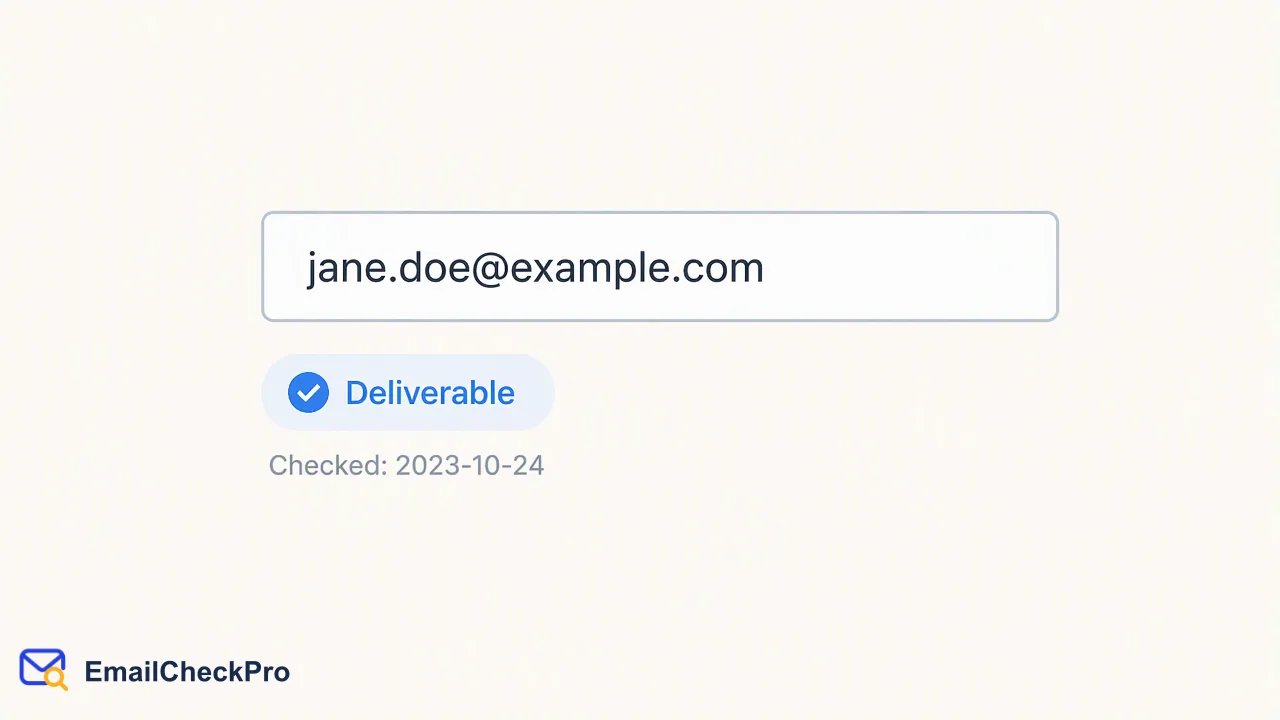
A two-stage workflow for lead email validation: realtime checks at capture and batch checks for existing records.
Lead email validation works best in two stages. At capture, a realtime check tells you whether a submitted address was deliverable or undeliverable at that moment. In batches, the same check cleans leads that arrived earlier through imports or older forms. EmailCheckPro sends nothing to the address, so validating a lead does not contact them.
Stage one: validate leads at capture
A check at the moment of capture catches typos while the person is still there to fix them. Use the Email Deliverability Check through POST /api/v1/check for one address, or the dashboard for ad hoc work.
Decide what each outcome does in the flow:
- Deliverable: continue as normal.
- Undeliverable: show a gentle prompt to re-enter the address rather than a hard block; a legitimate user may have mistyped.
- No completed result: let the lead through and queue the record for follow-up. An unfinished check is not a verdict against the person.
Keep the message neutral. The check says the address could not receive mail, not that the lead is untrustworthy.
Stage two: batch checks for existing leads
Existing records need a different approach. Pick the size that fits:
| Volume | Fits |
|---|---|
| A few records | Realtime single check |
| A group of addresses in one request | Synchronous multi check, 1 to 100 per request |
| A large exported list | Asynchronous bulk task with a TXT or CSV file |
Multi results preserve input order, which makes it easy to map them back to rows. For bulk tasks, poll status and download the single result CSV when the task succeeds. Per-product limits apply, so confirm current numbers in the API documentation.
Route leads by result
Store the verdict and the check date on the lead record, then route:
- Deliverable leads enter normal nurture or sales sequences.
- Undeliverable leads go to a correction queue. A sales rep may find another contact route.
- Undetermined leads wait in a separate segment, for a later re-check or a different channel.
Some teams add a rule such as re-checking leads older than a set period before a campaign. That is an internal choice. The useful principle is that a verdict has a date, and decisions should say which date they rely on.
Common mistakes in lead email validation
A few patterns repeat across teams, and each is easy to avoid.
- Treating every non-deliverable outcome as undeliverable. Invalid format, failed checks and undetermined results such as catch-all domains are different outcomes. Only a completed undeliverable result means the address could not receive mail at check time. Lumping the rest together hides leads that deserve a second look.
- Validating once and never again. An address that was deliverable at capture may not be months later. Store the check date and re-check before large campaigns, particularly for leads that have been idle.
- Blocking at the form. A hard stop frustrates people who simply mistyped. Offer a correction prompt and keep the form usable when no result comes back.
- Mixing products in one file. Email Avatar Check is limited to Gmail, Yandex and Mail.ru addresses, so run general lead lists through Email Deliverability Check and use the avatar product only for those domains.
- Reading the avatar as identity. A public avatar is a supplementary signal. It does not verify who owns the address and gives no right to reuse the image.
A short review of these five points before launching a workflow usually removes most of the rework later.
Keep deliverability separate from consent
A deliverable lead is one whose address could receive mail.
Keep consent, suppression and unsubscribe status in their own fields and apply them first. Validation then acts as one input to list quality, alongside the rules your team already follows.
FAQ
How can teams validate lead emails without annoying real users?
Use a soft prompt when an address looks undeliverable, offering a chance to correct a typo. Avoid hard blocking, and let leads continue when no completed result is returned. That keeps legitimate sign-ups moving while still catching mistakes.
How can teams validate leads that are already in the database?
Export them as TXT or CSV and run an asynchronous bulk task, or send groups of 1 to 100 addresses through the synchronous multi-address endpoint. Write the verdict and check date back to each record so later campaigns can filter by freshness.
Does a deliverable result mean a lead can be contacted?
No. It means the address could receive mail when checked. Permission to contact a person depends on consent and the team's own policies, which should be stored and applied separately from the deliverability verdict.
Learn More
Choose the product information that fits the next step in your workflow.