
Product guidance
Email Verification in Node.js: Beyond Regex to Deliverability Checks
Build a Node.js email check that screens format locally, calls a deliverability API from the server, and handles every outcome cleanly.
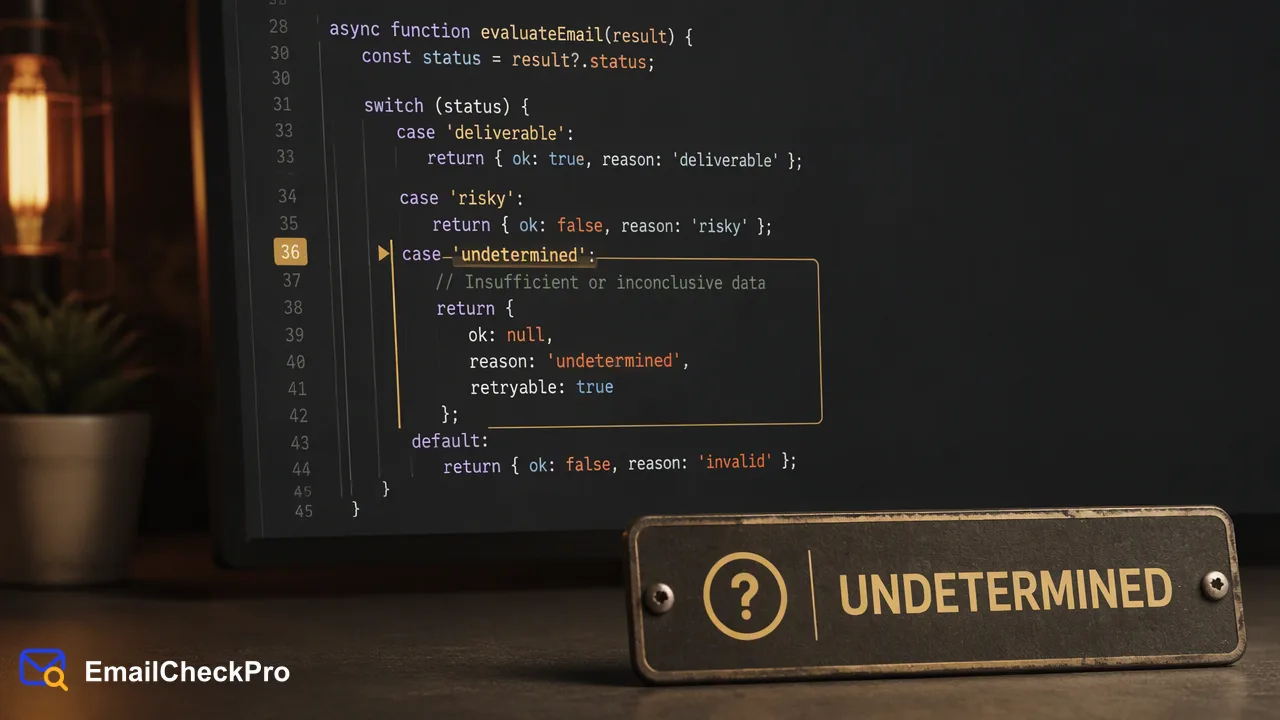
A Node.js service flow for email verification: local format screening, a server-side deliverability check, and clear handling of each outcome.
Email verification in Node.js works best as two layers on the server. First, normalize the input and screen its format locally, so obvious typos never leave your process. Second, call a deliverability check such as EmailCheckPro's POST /api/v1/check from server code with a timeout, and branch on three outcomes: deliverable, undeliverable, or undetermined. A regex alone only tells you an address looks right; the deliverability check tells you whether it could receive mail at the moment of the check, without sending anything to it. Confirmation links remain a separate step for consent and ownership.
What email verification in Node.js usually means
Search for this topic and most tutorials show either a regex or an Express route that emails a confirmation link. Both are useful, but they answer different questions, and mixing them up causes bugs.
| Layer | Question it answers | Where it runs |
|---|---|---|
| Format screening | Does the input look like a complete address? | Your Node.js process, no network call |
| Deliverability check | Could the address receive mail at check time? | A server-side API call |
| Confirmation link | Does the person control the inbox, and do they agree to messages? | An email you send, plus a token route |
This guide covers the first two layers, which run before you send anything. They complement, rather than replace, a confirmation flow. The pattern mirrors service-layer verification in other frameworks: the browser can give quick hints, but the decision belongs on the server, where the API key and the stored result live.
Step 1: normalize and screen the format
Start with a small, predictable function. Trim whitespace, drop trailing punctuation that often sneaks in from copied text, lowercase the domain, and leave the local part as typed. Then test the result against a broad pattern.
// Pattern from the WHATWG HTML standard for type="email" inputs
const EMAIL_PATTERN = /^[a-zA-Z0-9.!#$%&'*+\/=?^_`{|}~-]+@[a-zA-Z0-9](?:[a-zA-Z0-9-]{0,61}[a-zA-Z0-9])?(?:\.[a-zA-Z0-9](?:[a-zA-Z0-9-]{0,61}[a-zA-Z0-9])?)*$/;

export function normalizeEmail(raw) {
 const trimmed = String(raw ?? '').trim().replace(/[.,;:]+$/, '');
 const at = trimmed.lastIndexOf('@');
 if (at < 1 || at === trimmed.length - 1) return null;
 const email = trimmed.slice(0, at) + '@' + trimmed.slice(at + 1).toLowerCase();
 return EMAIL_PATTERN.test(email) ? email : null;
}
The pattern comes from the WHATWG HTML standard, the same rule browsers apply to type="email" fields, so client and server agree. If you prefer a maintained package, isEmail in validator.js is a common choice; pick one source of truth and use it everywhere.
Common mistakes at this layer:
- Over-strict patterns that reject
+tags, long top-level domains or subdomains. The OWASP guidance recommends accepting a broad range of valid formats and rejecting only clearly malformed input. - Lowercasing the whole address. Domains are case-insensitive, but changing the local part alters what the user typed.
Step 2: call the deliverability check from the server
Node.js 18 and later ship a global fetch, so no HTTP library is required. The call must run on the server: the API key spends the account balance and must never reach browser code.
const API_BASE = process.env.EMAILCHECK_API_BASE; // from the API documentation

export async function checkDeliverability(email) {
 try {
 const res = await fetch(`${API_BASE}/api/v1/check`, {
 method: 'POST',
 headers: buildHeaders(), // auth headers exactly as documented
 body: buildCheckBody(email), // request body exactly as documented
 signal: AbortSignal.timeout(4000) // your own form budget
 });
 return await toOutcome(res); // 'deliverable' | 'undeliverable' | 'undetermined'
 } catch (err) {
 return 'not_completed'; // TimeoutError, network error, etc.
 }
}
buildHeaders, buildCheckBody and toOutcome are thin helpers you write from the EmailCheckPro API documentation, so the authentication and field details stay in one place and follow the published contract. toOutcome should return plain words rather than passing raw response objects around your codebase.
AbortSignal.timeout() aborts the request after the budget you choose and raises a TimeoutError, which keeps a slow network from freezing a signup form. The Node.js fetch reference lists the supported options. Pick the timeout from your own form's tolerance; the value above is an example, not a service figure.
Email Deliverability Check accepts addresses on virtually any domain. If the product needs public avatars, Email Avatar Check is limited to Gmail, Yandex and Mail.ru domains, so route other domains to the deliverability product.
Step 3: handle deliverable, undeliverable and undetermined
Model the result as a small set of states and let the form decide from there:
export async function screenSignupEmail(raw) {
 const email = normalizeEmail(raw);
 if (!email) return { ok: false, message: 'Please check the email format.' };

 const outcome = await checkDeliverability(email);
 await saveCheck({ email, outcome, checkedAt: new Date() });

 switch (outcome) {
 case 'deliverable': return { ok: true, email };
 case 'undeliverable': return { ok: false, message: 'This address could not receive mail. Please use another one.' };
 default: return { ok: true, email, flagged: true }; // undetermined or not completed
 }
}
Why each branch behaves as it does:
- Deliverable means the address could receive mail at check time. Continue, and store the date with the result.
- Undeliverable means it could not. Ask for another address in friendly language; do not accuse the user of entering a fake one.
- Undetermined covers addresses that cannot be settled either way, such as catch-all addresses. The realtime API returns a business code instead of a result for these, and they are not charged. Accept the address with a flag rather than guessing.
- Not completed covers timeouts and network errors. Letting the user continue with a flag keeps a temporary problem from blocking a real sign-up.
A background job can later re-check flagged rows, and the confirmation email you already send will settle many of them.
Checking more than one address from Node.js
Signup forms check one address, but admin tools and imports often hold many. Two documented paths cover them.
Up to 100 addresses at once. POST /api/v1/batch-check accepts 1–100 addresses and returns results in the same response, in input order. Split larger arrays into chunks of 100 and zip each response back to its chunk by position. Every item says whether a completed result exists; an item without one belongs in the undetermined or not-completed branch, never in undeliverable.
Prepared files. For exports and migrations, write a TXT or CSV file with one complete address per line and submit it with POST /api/v1/bulk-tasks. The task runs asynchronously, so poll status from a worker, not a request handler:
const sleep = (ms) => new Promise((r) => setTimeout(r, ms));

async function waitForTask(taskRef) {
 for (;;) {
 const status = await getTaskStatus(taskRef); // GET /api/v1/bulk-tasks/{id}
 if (status.done) return status; // success or failure
 await sleep(30_000); // never poll faster than this
 }
}
A successful task provides one result CSV at a download link that lasts 12 hours; querying the same task again returns a fresh link. Invalid and duplicate lines are removed during preparation, so merge results back by email address rather than row number. Per-product task limits are listed in the API documentation.
Production checklist for a Node.js integration
- Secrets: read the API key from the environment or a secret manager, and keep it out of logs and error reports.
- Caching: store the outcome with its date and reuse it inside your own re-check window, so editing a profile name does not trigger a new call.
- Your own endpoint: if the app exposes an address-check route, add rate limiting and consistent responses so it cannot be used to probe which accounts exist.
- Queues: run re-checks of flagged rows from a job queue with a delay and a cap on attempts, instead of retrying inside the request.
- Testing: unit-test
normalizeEmailwith plus tags, subdomains, trailing spaces and missing domains, and test each outcome branch with a stubbedcheckDeliverabilityso the UI copy is reviewed before launch. - AI tools: teams that also work through AI assistants can use the MCP endpoint at
https://emailcheckpro.com/mcpfor single checks and up to 100 addresses, while file-based tasks stay on the REST API.
FAQ
Is a regex enough for email verification in Node.js?
A regex is enough to catch malformed input, and it should run first because it costs nothing. Teams that need to know whether an address is deliverable add a server-side check after the regex, and keep the confirmation link for consent and ownership.
Should the deliverability check run in the browser or on the server?
On the server. The API key spends the shared account balance, so exposing it in front-end code lets anyone use it. A server route can also apply its own rate limits, store the result with a date, and decide how to treat undetermined or timed-out checks. The browser can still show instant format hints using the same WHATWG pattern.
How can teams avoid blocking real users when a check is undetermined?
Accept the address with a flag instead of rejecting it. Undetermined results, such as catch-all addresses, are not evidence that an address is bad, and they are not charged. A flagged account can still receive the confirmation email; a later job can re-check it, and sending pipelines can hold flagged rows until a completed result or a confirmation click is recorded.
Learn More
Choose the product information that fits the next step in your workflow.