
Product guidance
Verified Lead Generation Workflow: Automated List Building
Learn how a verified lead generation workflow uses automated provider registration checks to maintain clean outreach lists without manual cleansing.
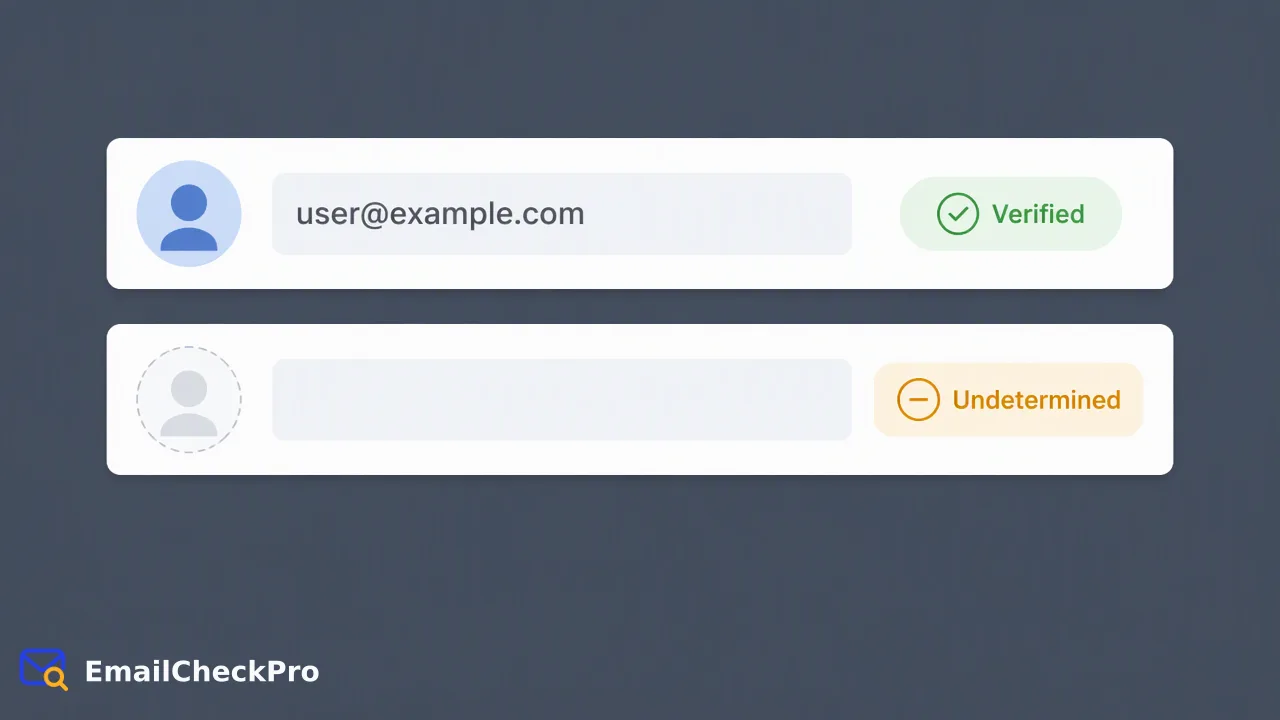
Building high-quality outreach lists requires shifting from manual spreadsheet cleansing to automated data validation at discovery. By anchoring list generation in proven customer profiles and evaluating provider-level email registration signals, teams maintain list hygiene and filter unverified records before CRM ingestion.
A verified lead generation workflow builds high-quality outreach lists by validating email records automatically at the point of discovery rather than relying on reactive manual spreadsheet cleansing. Instead of manually reviewing addresses after collection, teams anchor expansion in high-similarity profiles from existing closed-won accounts and apply automated provider-level registration checks during ingestion. This process evaluates whether an email account is currently registered and reachable at its provider at the time of the check.
The Operational Bottleneck of Manual List Cleansing
Prospecting workflows frequently suffer from fragmented data collection. Teams assemble prospect databases from web forms, event registrations, and external enrichment sources, only to discover that contact records decay quickly. When organizations manage list quality manually, team members spend valuable operational hours reviewing spreadsheets, checking syntax rules, and attempting to flag inactive contacts by hand. An address can adhere strictly to standard syntax while representing a non-existent, abandoned, or deleted provider account. By the time teams manually clean an export, records may have shifted status, leading to unverified data entering the CRM. This reactive posture consumes administrative bandwidth and delays outreach schedules. Establishing an automated verified lead generation workflow replaces manual scrutiny with programmatic data hygiene, evaluating incoming records before they disperse across sales and marketing systems.
Anchoring Outreach in High-Similarity Customer Data
Generating targeted lists requires a structured framework for choosing which accounts to target. Rather than conducting broad, exploratory list-building across disparate industries, high-performing lead generation workflows begin with proven historical records. By analyzing closed-won customer accounts, teams isolate core firmographic characteristics, department structures, and seniority levels that reflect actual product adoption. Focusing on high-similarity profiles presents clear trade-offs against exploratory segmentation:
- High-Similarity Matching: Concentrates resources on prospects that closely match existing customer archetypes. This approach yields smaller total volume but higher relevance, supporting consistent messaging across known operational pain points. - Exploratory Segmentation: Expands coverage into adjacent industries, emerging roles, or untested company tiers. While expanding aggregate market reach, exploratory segments carry greater uncertainty regarding organizational fit. Balancing these approaches requires establishing high-similarity accounts as the baseline pipeline while allocating bounded testing segments to exploratory profiles, with all records passing through standard verification filters before outreach.
Automating Point-of-Discovery Verification
To eliminate manual cleansing cycles, data validation must occur immediately when contact data is gathered. Incorporating automated checks at the point of discovery ensures that invalid or unverified records are screened prior to CRM entry. Modern data quality architectures implement verification across distinct ingestion pathways:
- Real-Time Synchronous Ingestion: Point-of-entry endpoints, such as inbound web forms or single-lead research workflows, submit an address via POST /api/v1/check to evaluate registration status instantly before a record is stored. 2. Synchronous Batch Screening: Lead lists gathered in small batches of up to 100 addresses utilize POST /api/v1/batch-check, allowing sales development teams to evaluate targeted prospecting batches in a single automated step. 3. Asynchronous Bulk Processing: Large list acquisitions or legacy database migrations ranging from 1,000 to 100,000 addresses run via POST /api/v1/bulk-tasks, offloading file processing asynchronously. Automating verification at these entry points creates a standardized gate, ensuring that unverified leads are systematically identified and handled without manual intervention.
Interpreting Provider Registration Signals and Catch-All Domains
A robust data workflow requires understanding what verification outputs signify. In Email Check Pro, an email registration check evaluates whether an account is actively registered at its host provider. Teams should route undetermined records into segmented operational queues for secondary review, ensuring list integrity remains grounded entirely in verifiable provider signals.
FAQ
Why does automated registration validation replace manual list cleansing?
Manual list cleansing relies on retrospective audits, periodic spreadsheet reviews, and manual syntax checks that take considerable operational time. Automated checks evaluate provider reachability signals programmatically during data capture or import, filtering unconfirmed addresses immediately so operational teams do not spend hours manually inspecting records.
What does a registered email status indicate in an outreach pipeline?
A registered status confirms that the specific email address is recognized as registered and reachable by its host provider at the precise moment of verification. It serves as an objective reachability signal for data hygiene workflows.
How should teams process email addresses that return an undetermined result?
Data quality workflows should isolate undetermined records from confirmed registered contacts, routing them to secondary validation workflows or human review rather than treating them as automatically confirmed.
Learn More
Choose the product information that fits the next step in your workflow.