
Product guidance
Gmail Avatar Check: Public Avatars Alongside Deliverability
Gmail avatar check with Email Avatar Check: what a public avatar result means, supported domains, and how to use it with deliverability in list reviews.
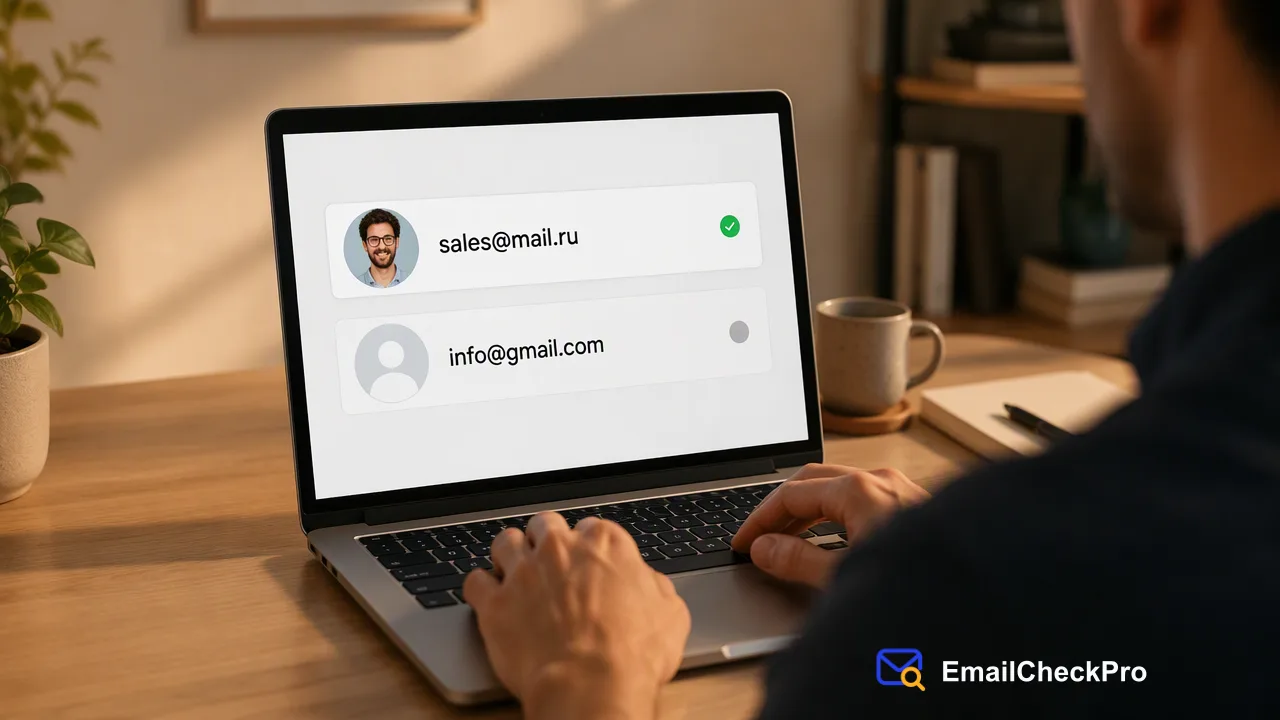
Email Avatar Check returns deliverability plus a public avatar signal for Gmail, Yandex and Mail.ru addresses; the avatar is a signal, not identity proof.
A Gmail avatar check returns two things for a Gmail address: whether it is deliverable at check time and whether a public avatar was found. Email Avatar Check covers gmail.com and googlemail.com, along with Yandex and Mail.ru addresses. The avatar is a supporting signal that helps a team review a contact record.
What a Gmail avatar check returns
Email Avatar Check is a separate product from Email Deliverability Check. For each supported address it reports deliverability, which is deliverable or undeliverable at check time, plus whether a public avatar is present.
Google's own help page explains why an avatar can exist at all: a Gmail picture is the same as the Google Account picture, and it can appear next to a person's name and in other Google services. The avatar signal reflects that public picture. If the account has no picture, there is nothing public to find, which is a normal outcome and not an error.
A completed avatar check is priced per address at the avatar rate, separate from the deliverability rate. Current rates are listed on the official pricing page.
Supported domains for Email Avatar Check
Avatar checks accept only a documented list of domains. For Gmail that means gmail.com and googlemail.com. Beyond Gmail, the list covers Yandex addresses (yandex.ru, yandex.com, ya.ru, yandex.by, yandex.kz, yandex.ua, yandex.com.tr and narod.ru) and Mail.ru addresses (mail.ru, inbox.ru, bk.ru, list.ru and internet.ru).
An address outside this list is rejected before a realtime charge is made. In an avatar bulk file, an unsupported domain causes the preparation of the whole file to fail and the reserved balance is returned in full. So split a mixed list first: send Gmail, Yandex and Mail.ru addresses to the avatar product, and everything else to Email Deliverability Check, which accepts addresses on virtually any domain.
How to run a Gmail avatar check
- Choose the product. Use Email Avatar Check when the avatar signal adds something to your review; otherwise Email Deliverability Check is the lighter choice.
- Filter by domain. Keep only addresses ending in the supported domains.
- Pick the route. The dashboard handles realtime checks. The API handles single addresses with POST /api/v1/check and groups of 1 to 100 addresses with POST /api/v1/batch-check. A prepared TXT or CSV file goes through the bulk task route, with the avatar product selected.
- Read the result. Deliverability comes first. The avatar signal is only informative when the address is deliverable.
- Store both signals separately with the check date.
For bulk avatar files, the output is a single CSV. The link to the avatar image can be empty even when the avatar signal is positive, so a downstream process should not assume an image link is always available.
Interpreting an avatar result responsibly
A present avatar suggests the address belongs to an account with a public picture. That can inform a manual review, for example when a team is deciding which records to look at first. It carries real limits:
- Not ownership. It proves nothing about whose account it is.
- Not permission. Seeing a public image does not grant a right to copy, store or republish it.
- Not consent. It has no bearing on whether the person agreed to be contacted.
A missing avatar is equally uninformative about the person. Many real accounts have no public picture, so absence should never be used to reject a contact. Use the avatar as one weak input, and keep decisions anchored on deliverability, source and consent.
Where avatar checks fit in a list review
A practical sequence for a mixed list: deduplicate, run Email Deliverability Check on the whole file, then run Email Avatar Check only on the supported-domain subset where the extra signal is wanted. Keep the undetermined rows, such as catch-all outcomes, separate rather than treating them as undeliverable.
Because Gmail addresses are common in sign-up data, this two-step approach keeps spend focused on the rows where an avatar signal can exist, and keeps unsupported domains from stalling a bulk file.
FAQ
Does Email Avatar Check work for every email domain?
No. It accepts only gmail.com, googlemail.com, the listed Yandex domains and the listed Mail.ru domains. Other domains, including xmail.ru, are outside the current supported list. Use Email Deliverability Check for those addresses.
Can an avatar result confirm who owns a Gmail address?
No. A public avatar is a signal that a picture is visible for the account.
Why can an avatar image link be empty?
In a bulk avatar file, the link column can be blank even when the avatar signal is positive. Downstream tools should accept an empty link instead of treating it as an error or as a negative result.
Learn More
Choose the product information that fits the next step in your workflow.