
Email List Cleaning Tool: What to Look For Before You Upload a List
Buyer criteria for an email list cleaning tool: file formats, invalid and duplicate handling, billing rules, async vs realtime, and API or MCP access.
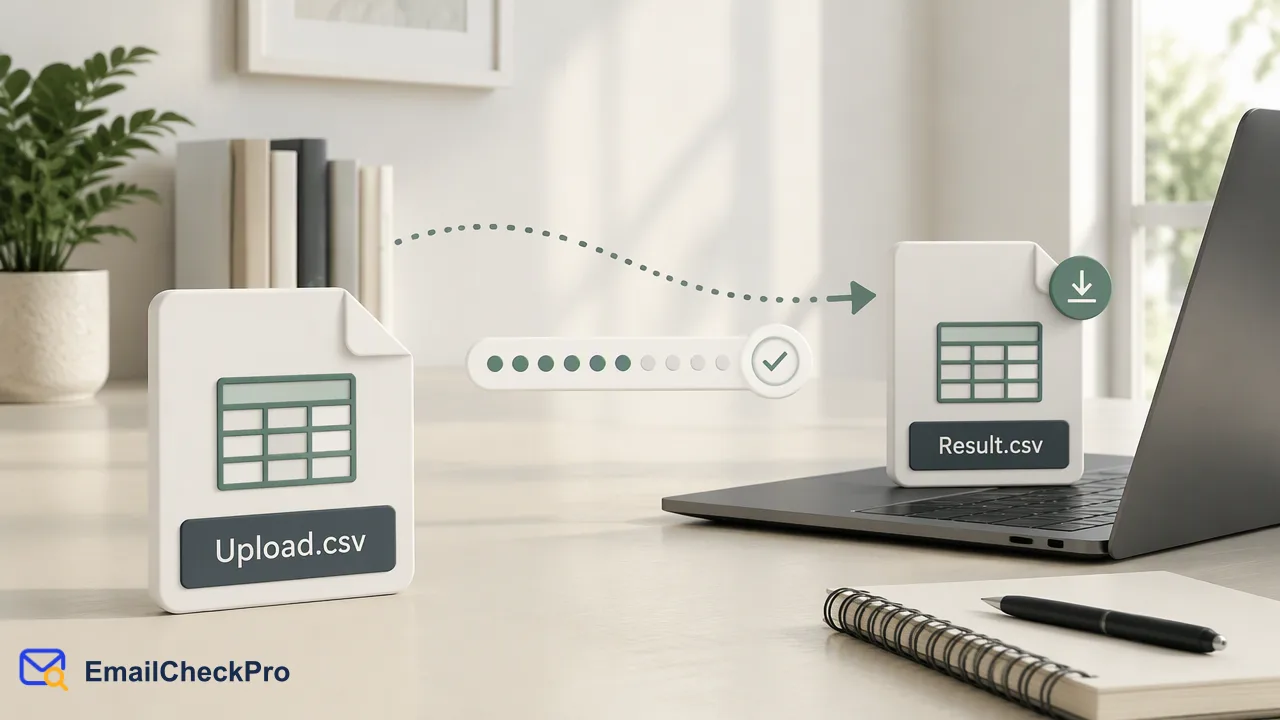
Criteria for choosing an email list cleaning tool, using EmailCheckPro's documented behavior as a worked reference.
A good email list cleaning tool states clearly which file formats it accepts, how it treats invalid and duplicate lines, which outcomes you are billed for, and whether it runs in realtime or asynchronously. It should also describe what its result means in plain terms, without promising outcomes it cannot control, and offer API access if you plan to automate. Ask for these details before you upload a list, because they decide how much cleanup you do yourself afterward. This guide turns those questions into a checklist and uses EmailCheckPro's documented behavior as a worked reference, without comparing prices.
What should an email list cleaning tool tell you before you upload?
Most buyer guides focus on accuracy, security, ease of use, and speed, which are all reasonable. The trouble is that accuracy claims are hard to verify from a marketing page, so a more reliable approach is to test what the vendor documents precisely. Compare tools on facts you can read and confirm:
- Input format. Which file types are accepted, and does each line hold one address?
- Preparation rules. What happens to malformed and repeated lines?
- Result meaning. Does the tool explain what each outcome label means and what it does not mean?
- Billing rules. Which outcomes are charged and which are not?
- Run mode. Is there a realtime option, a bulk option, or both?
- Access. Is there an API, and is it documented publicly?
Vendor blogs on this topic, such as Mailgun's guide to list cleaning, tend to stress the same broad themes. Treat a missing answer to any of the points above as a question to ask before uploading, not as a detail to discover later.
How should file formats and line handling be compared?
File handling is where list cleaning often goes wrong, so compare it first.
Formats. EmailCheckPro bulk tasks accept TXT or CSV files with one complete address per line. Spreadsheet formats such as XLSX are not accepted, so export to CSV before uploading. If a tool you are considering accepts spreadsheets, confirm which sheet and column it reads.
Invalid lines. A complete address has a local part, an @ sign, and a domain. A line that fails this is a format problem. In EmailCheckPro, invalid lines are removed during preparation; they are not treated as undeliverable verdicts and are not charged.
Duplicates. Repeated addresses are also removed during preparation, so you are not billed twice for the same line and your result file does not repeat them.
Result file. A finished task returns one CSV. Download links last for a limited time and can be refreshed by querying the same task again, so a missed download is recoverable.
A useful test is to prepare a small file with a few deliberate mistakes, such as a missing domain and one repeated address, then see how the tool reports them. The behavior on bad input tells you more than a feature list.
Which outcomes should a tool bill for?
Billing rules differ across the market, and they are easy to overlook. The question to ask is simple: do you pay when the tool cannot give you a clear answer?
For EmailCheckPro, a completed deliverable or undeliverable result is billable. Invalid, failed, and undetermined checks are not charged. Realtime and bulk checks follow the same rule. Current rates are published on the official pricing page, so this article leaves amounts out.
Also check what the result vocabulary promises. EmailCheckPro describes an address as deliverable, meaning it can receive mail at check time, or undeliverable. A deliverable result is not a promise of inbox placement, a reply, consent, or future status. Be cautious of any tool that frames its labels as proof of identity or as a promise about later delivery.
Catch-all domains deserve a specific question. They accept mail for any local part, so a tool that confidently labels every address on such a domain is guessing. EmailCheckPro marks these as undetermined rather than guessing, which leaves you free to treat them separately.
When do you need realtime, bulk, or API access?
Pick the run mode by the shape of your workflow rather than by feature count.
| Need | Fits | Notes for EmailCheckPro |
|---|---|---|
| Check one address at signup or in a CRM field | Realtime single check | Returns in the same response |
| Check a small set from code | Synchronous multi-address check | 1 to 100 addresses per request, results in input order |
| Check a large prepared export | Asynchronous bulk task | TXT or CSV upload, poll status no more often than every 30 seconds |
| Check from an AI assistant | MCP endpoint | Single checks, up to 100 addresses, product listing, and balance queries |
| Review a list by hand | Dashboard | Realtime checks of one address or up to 500 addresses |
All of these draw on the same account balance. Bulk file tasks are not available through the MCP endpoint, so a very large list needs the web workflow or the REST API. The public API documentation at emailcheckpro.com/api-docs lists the current per-product limits, which is where you should confirm sizes before a large run.
If your list is small and one-off, the dashboard may be all you need. If it refreshes every week, automating it through the API saves repeated manual uploads.
A short pre-upload checklist
Before you commit a list to any cleaning tool, run through these steps:
- Export to a supported format, with one complete address per line.
- Remove obvious junk and repeats yourself, so you can see what the tool adds.
- Test a small sample, including a few bad lines, and read how the tool labels each one.
- Confirm which outcomes are charged, and read the pricing page for current rates.
- Check whether undetermined results are separated or guessed.
- Decide how you will treat each outcome: send, hold, fix, or suppress.
- Note the date of the run, so you know when to re-check.
A tool that documents all seven of these points plainly is easier to trust than one that leads with accuracy percentages you cannot verify. Because a result reflects one moment in time, plan to re-check lists before major sends instead of treating a cleaning run as permanent.
FAQ
Can an email list cleaning tool accept spreadsheet files?
It depends on the tool, so confirm it before you upload. EmailCheckPro bulk tasks accept TXT or CSV only, with one complete address per line. Export a spreadsheet to CSV first, and make sure the address column is the only content the tool needs to read.
Does a cleaning tool send emails to the addresses it checks?
It should not, and you should confirm that in the documentation. EmailCheckPro checks send nothing to the address and do not notify its owner, so a run does not generate messages, bounces, or visible activity for the people on the list.
How should teams handle results that are not a clear yes or no?
Keep them in a separate segment. Invalid lines need fixing or removal, failed checks can be re-run, and undetermined results, such as catch-all domains, can be sent in small batches while watching for permanent failures. Avoid treating any of these as undeliverable.
Learn More
Choose the product information that fits the next step in your workflow.