
Product guidance
Email Checker MCP: Checking Addresses from AI Clients
Connect an email checker MCP endpoint to a compatible AI client, check one or up to 100 addresses in chat, and keep results scoped to check time.
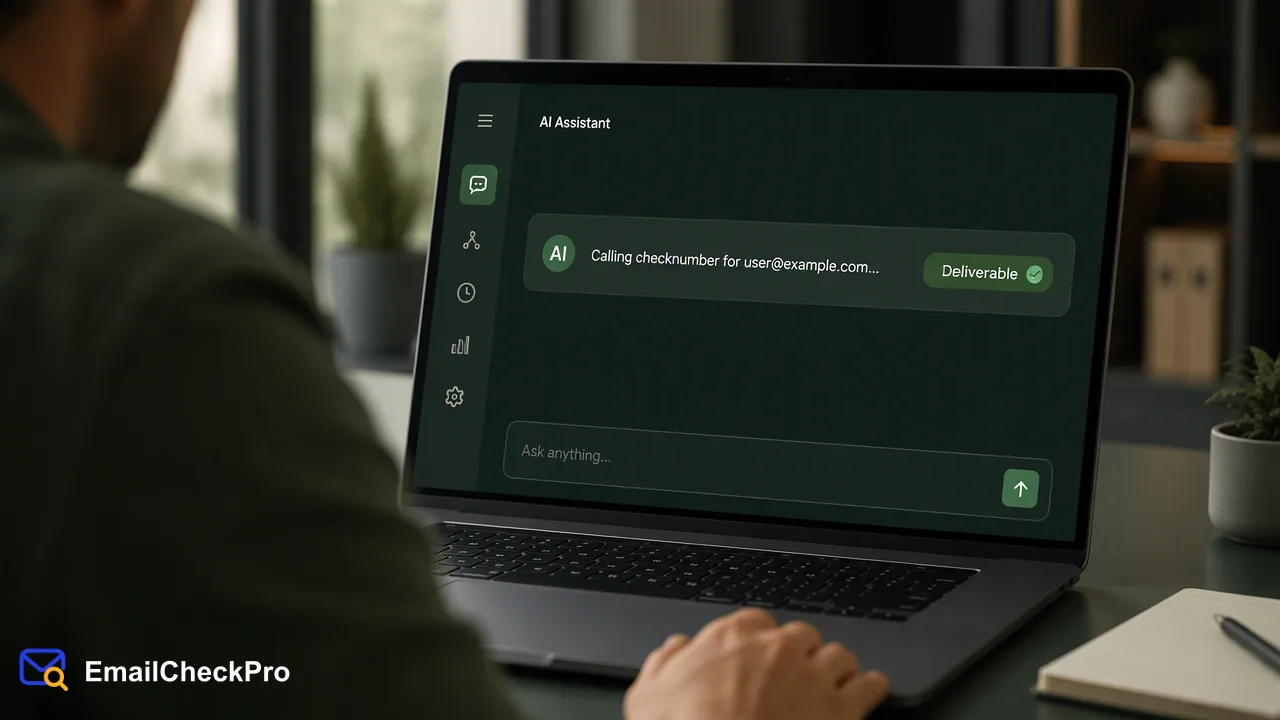
How to connect the EmailCheckPro MCP endpoint to a compatible AI client, which tools it exposes, and how to read deliverability results inside a conversation.
An email checker MCP endpoint lets a compatible AI client call a deliverability check as a tool, so an assistant can check addresses during a conversation instead of someone copying them into a separate dashboard. EmailCheckPro publishes its MCP endpoint at https://emailcheckpro.com/mcp. It exposes four tools: list products, check one address, check up to 100 addresses, and get the account balance. Each completed result says whether an address was deliverable or undeliverable at check time. Large prepared files still go through the web workflow or the REST API, because no bulk file tool is documented for MCP.
What an email checker MCP connection does
The Model Context Protocol is an open standard that lets an AI application discover tools on a server and call them with structured inputs. According to the MCP tools specification, a server lists its tools with names and input schemas, and the client decides when to invoke them, often with a human able to review the call.
For email data quality, that means an assistant working through a contact list, a support ticket, or a spreadsheet pasted into chat can ask the checker directly. The model does not judge whether an address looks plausible; it passes the address to the tool and reports the returned outcome.
An email checker MCP endpoint sends nothing to the address being checked and does not notify its owner. It only returns a deliverability outcome, which keeps the connection narrow: no inbox access and no outbound messages.
Connecting the EmailCheckPro MCP endpoint
Most clients that support remote MCP servers follow a similar pattern. The MCP guide to remote servers uses Claude custom connectors as its example:
- Open the client's settings and find the connectors or MCP servers section.
- Add a custom connector and paste the full endpoint URL, including
https://:https://emailcheckpro.com/mcp. - Complete the authentication step the client presents, using credentials from an EmailCheckPro account.
- Review the tool list and enable only the tools the workflow needs.
- Run a test with a single known address before using it on real lists.
The public MCP architecture overview explains how clients and servers exchange tool calls if your team needs to review the integration. Exact menu names differ between clients and change over time, so follow your client's current documentation for steps one and three. Checks made through MCP draw on the same account balance as web and REST API checks.
The four tools and when an assistant should call them
| Tool | What it does | Typical prompt |
|---|---|---|
| list_products | Lists the available check products | "Which email checks can this account run?" |
| check_number | Checks one email address | "Is jane@example.org deliverable right now?" |
| check_numbers | Checks 1 to 100 addresses in one call | "Check these 40 addresses from the event sheet." |
| get_balance | Returns the account balance | "How much balance is left before this batch?" |
The single-address tool uses the name check_number even though it takes an email address; that is simply the documented tool name.
Two product choices sit behind these calls. Email Deliverability Check works for addresses on virtually any domain. Email Avatar Check adds a public avatar signal, but only for Gmail, Yandex, and Mail.ru addresses, and an unsupported domain is rejected before a realtime charge. Asking the assistant to call the balance tool before a larger multi-address request is a simple habit that avoids surprises mid-task.
Reading results inside a conversation
An assistant summarises tool output in natural language, so instruct it to keep the categories intact. A useful prompt is: "Report each address as deliverable, undeliverable, undetermined, invalid, or failed, and keep the input order."
The categories mean different things:
- Deliverable: the address could receive mail at check time.
- Undeliverable: the address could not receive mail at check time.
- Undetermined: often a catch-all domain; no verdict was returned and the check is not charged.
- Invalid: the input was not a complete address with a local part, an @ sign, and a domain.
- Failed: no completed result came back; retry later.
Multi-address results preserve input order, which makes it easy to paste them back into a sheet. An address with no completed result is not the same as an undeliverable one. Ask the assistant to list those separately rather than folding them into a cleanup recommendation.
Limits, scale, and safe workflow design
For prepared files of thousands of addresses, use the web bulk workflow or the REST bulk task endpoint, POST /api/v1/bulk-tasks, which runs asynchronously and returns a CSV. Per-product limits apply; see the API documentation at emailcheckpro.com/api-docs for current figures.
A few practices keep AI-driven checks predictable:
- Keep a human reviewing any action the assistant proposes based on results, such as removing contacts.
- Avoid asking the model to guess an outcome when a tool call fails; ask it to retry or report the failure.
- Treat a deliverable result as a check-time signal.
- Store results with the check date so later reviews know how fresh they are.
FAQ
How can teams decide between MCP and the REST API for email checks?
Use MCP when a person is working interactively in an AI client and needs answers about a few addresses or a short list. Use the REST API when checks run inside an application, a scheduled job, or a pipeline without a chat interface. Both draw on the same account balance. For large prepared files, the REST bulk task endpoint or the web workflow is the documented route, since no bulk file tool exists in MCP.
Which AI clients can connect to the endpoint?
Any client that supports remote MCP servers over HTTPS can usually add the endpoint as a custom connector or server entry. Support and menu names vary by client and version, so check the client's own documentation. After connecting, confirm that the four tools appear and run one single-address check as a smoke test before relying on the connection for real work.
Can the assistant check Outlook or Yahoo addresses through MCP?
For deliverability, yes: Email Deliverability Check accepts addresses on virtually any domain, including major webmail providers and company domains. The public avatar signal is narrower. Email Avatar Check supports only Gmail, Yandex, and Mail.ru addresses, so prompts that ask for avatars on other domains should be redirected to a plain deliverability check instead.
Learn More
Choose the product information that fits the next step in your workflow.